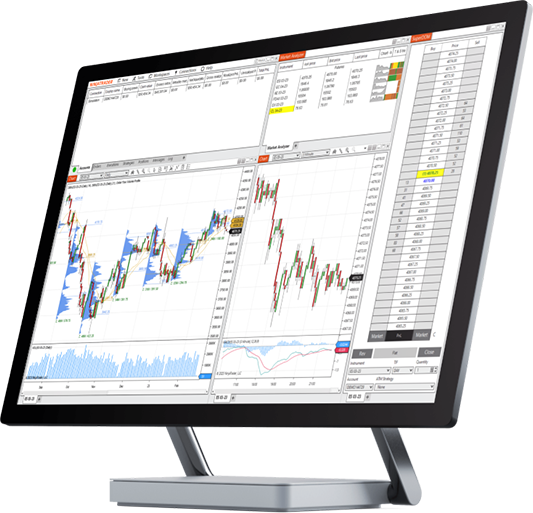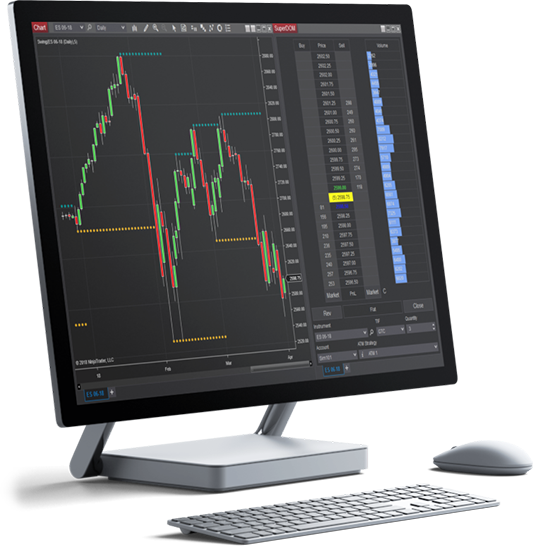
When trading futures, you can profit when a contract you purchased increases or decreases in price.
Let’s take a look at some futures order entry basics and explore the various order entry types available to futures traders.

There are two order actions in futures trading:
Once you place an order, it is sent to the applicable futures exchange, which serves as the centralized electronic marketplace for futures trading. The exchange “matches” buyers and sellers, meaning that for every buy or sell order you submit, another trader is taking a position on the opposite side. This creates a fair and transparent trading environment with the exchange guaranteeing all transactions.

When placing an order, you need to determine the order price at which your order can be filled—meaning the price at which the exchange will match your request with another trader choosing to take the opposite position (e.g., long, short).
The price at which you can buy or sell a futures contract is based on the current bid and ask prices.
Before placing a trade, you will have to decide on the order type you would like to submit to the exchange. The trader can control under what conditions and at what price an order will be filled using one of the three basic order types: market, limit or stop market orders.

The fastest and easiest way to enter or exit a futures position is with a market order. A market order is executed as soon as it reaches the exchange.

Limit orders can be used to enter a new position or to exit an existing position with a profit. Limit orders are conditional orders that are filled when the current market price trades at or past the limit price set when the trade was submitted.
When placing a buy limit order, the limit price must be below the current market price. Alternatively, when placing a sell limit order, the limit price must be above the current market price.

Stop market orders can be used to enter a new position or to exit a position protecting against losses. Stop orders are conditional orders that are filled at market when the current price trades at or past the specified stop price set when the trade was submitted.
When placing a buy stop order, the stop price must be above the current market price. Alternatively, when placing a sell stop order, the stop price must be below the current market price.

Get started on your path to learning how to trade futures through our introductory video series that introduces the basics and key takeaways for your journey.
Every time you place an order in the market, you will need to specify these order parameters:
With the order parameters in place, you can now choose to enter or exit a position using the buy or sell order buttons.
Practicing trading in NinjaTrader’s risk-free simulation environment is an ideal way to build familiarity with both these required parameters and the tools available to submit your trades.

Once you've identified a potential trade opportunity and are ready to place an order, you can select from a number of intuitive order entry tools available in the NinjaTrader platforms. Any one of these tools will make the process fast and easy to place your trades and track your positions.
Visit our New User Video Guides for tips to get started with your preferred order entry method. As you build your trading experience, Advanced Trade Management (ATM) strategies are also available in NinjaTrader Desktop that allow you to manage orders automatically based on predefined settings.

Download NinjaTrader's award-winning software for FREE and see why it's consistently voted an industry leader by the trading community. NinjaTrader is always free to use for advanced charting, backtesting and trade simulation.

2026 Best Futures Broker
BrokerChooser Broker Awards

2024 Winner Best Trading Software
Stocks & Commodities Readers' Choice Award

2024 Excellence in Futures Education
Benzinga Global Fintech Awards