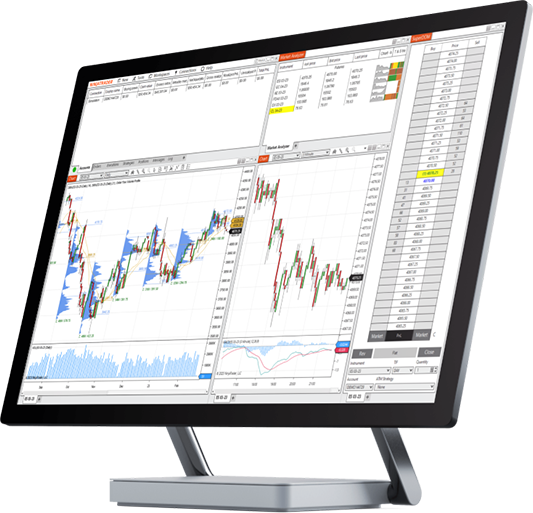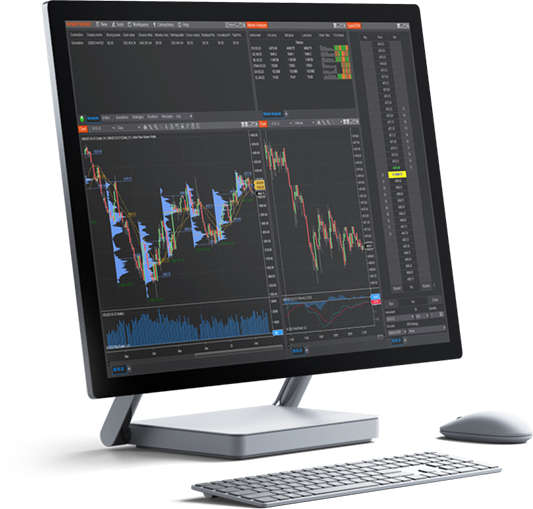
NinjaTrader’s award-winning platforms provide the tools and features needed by active futures traders to navigate the markets with confidence. Explore each toolset in the videos below detailing the setup and use of these powerful trading tools.
Looking for quick platform tips? Visit our New User Video Guides to get up and running.

Learn how to monitor your real time connection to data and trading and track active orders and open positions. We also walk through how to create and manage desktop layouts using workspaces.
Learn how to create a workspace in the NinjaTrader Desktop platform, including how to arrange your order entry and analysis windows to better organize and optimize your trading layouts.
Learn how to create a chart, how to select the chart symbol using smart search, apply and format technical indicators, and place trades using Chart Trader.
Learn how to create, format, and place trades in the SuperDOM within the NinjaTrader Desktop Platform. See your orders and positions in context with real-time market depth data.
Learn how to create, format, and add symbols in NinjaTrader's Market Analyzer window (quote board). Track key market analytics like intra-day price metrics and technical indicator levels for many symbols in real time.
Learn how to place Advanced Trade Management (ATM) strategies to automatically generate Order Cancels Order (OCO) brackets, trailing stops, and other custom orders when placing trades in the SuperDOM or Chart Trader.
Learn how to create and format multi-instrument charts in the NinjaTrader Desktop platform. Compare historical price data, identify market correlations, and visualize forward contracts and yield curves.
Learn to navigate and configure the Web platform to easily monitor the futures markets with real-time charting, place trades, and track your account orders and positions.
Learn how to create a chart, select the chart symbol, apply and format technical indicators, and place trades directly on the chart in the NinjaTrader Web platform.
Learn how to create, format, and place trades in the SuperDOM. This powerful point-and-click order entry tool allows you to quickly and easily place and track your trading in context with real-time market depth data.
Learn about the NinjaTrader Mobile App, available for Apple and Android. Watch how to monitor the futures markets with real time charting, place trades, and track your account orders and positions, all from your phone.

Build your futures trading foundation using technical analysis to identify trends, support and resistance, and key chart patterns.

Join veteran futures trader Anthony Crudele, Senior Economist Tracy Shuchart, and Senior Market Strategist Jim Cagnina as they bridge macro insights with technical precision to uncover trading opportunities in real time.
Get expert analysis, live trade execution, and actionable insights—all in one place. Find your futures trading edge by tuning in to NinjaTrader Live.
Join us weekdays: 8:00 am – 12:00 pm ET | 2:30 pm – 4:00 pm ET (no livestream Friday afternoons) Sundays: 5:45 pm - 6:45 pm ET

Our video library highlights steps to get started with the platform basics along with quick tips to customize your NinjaTrader platform to fit your trading style. Topics pertaining to how to trade futures include: